Introduction
In the fast-paced world of gastronomy, efficiency in purchasing is critical for a restaurant's success. A well-structured digital menu not only facilitates customer navigation but also boosts sales. In this article, we will discuss how you can create a quick shopping experience on your digital menu using the GuideLocal platform.
Importance of an Efficient Digital Menu
An efficient digital menu is the gateway to a restaurant's online sales. Just as a physical store needs to be organized and inviting, your digital menu should be:
- Intuitive: Users should be able to find what they want easily.
- Visually appealing: A beautiful layout attracts attention and makes the experience more enjoyable.
- Responsive: The menu should work perfectly on mobile devices, as most customers order via smartphone.
Tips for Creating a Fast Digital Menu
Let's explore some effective strategies to optimize your digital menu:
1. Categorize Dishes
The first step in creating a digital menu is organizing the dishes. Categorize them so that customers can quickly find what they want:
- Appetizers
- Main Courses
- Desserts
- Drinks
2. Use Attractive Images
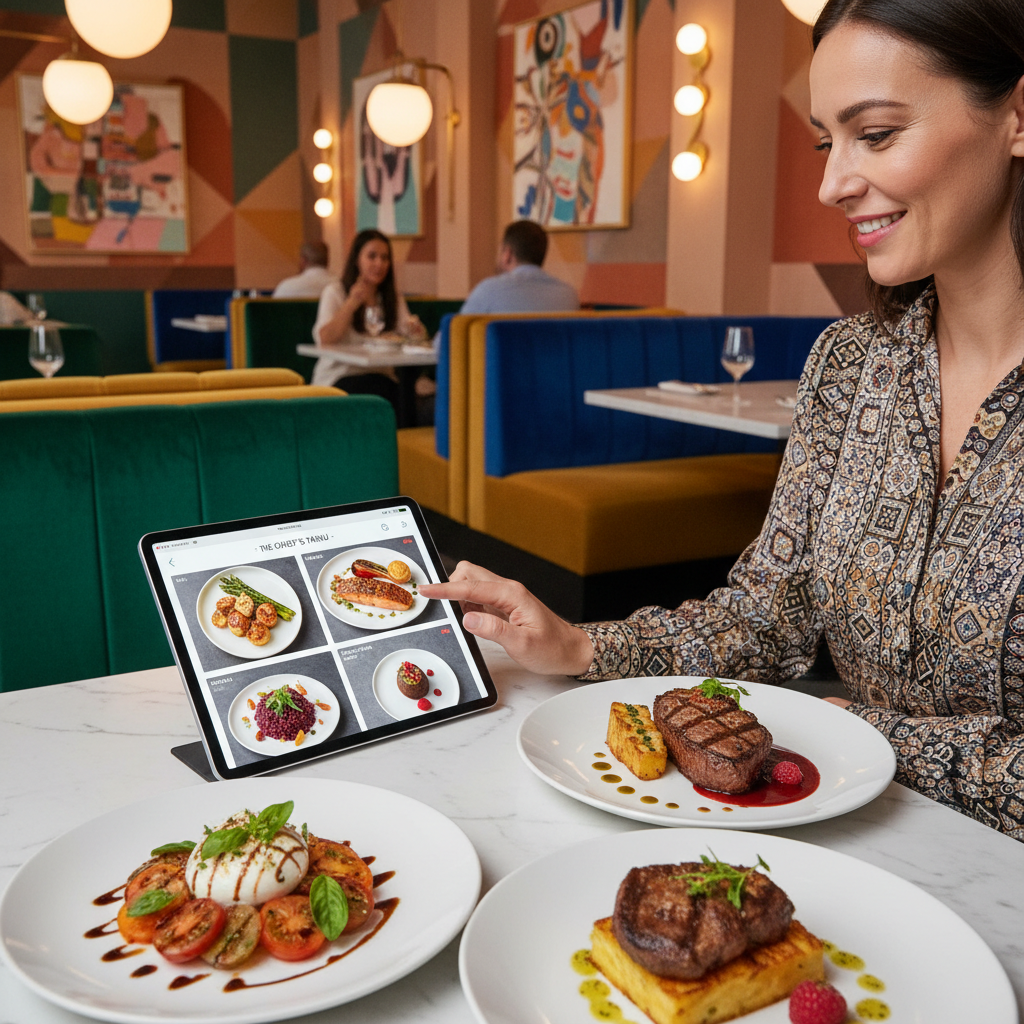
Quality images are crucial in a digital menu. Use appealing photos that best represent the dishes offered. This not only aids in the purchasing decision but can also increase the average ticket.
3. Simplify the Ordering Process
A digital menu should make the ordering process easier. Use clear and direct buttons. GuideLocal offers features that allow you to customize the purchasing flow, making it faster for the user. Also consider:
- Real-time notifications about out-of-stock items.
- Allowing customers to add products to the cart with a single click.
4. Implement Search Functionality
The search function is an essential feature for a digital menu. Allow customers to search by keywords and filter options, which can be particularly helpful in large menus. This helps speed up the shopping experience.
5. Offer Personalized Recommendations
Utilize customer data to provide personalized recommendations. This not only enhances the shopping experience but can also encourage the sale of additional items. For example, if a customer selects a pizza, suggest sides or drinks that pair well.
6. Facilitate Payment
One of the main points that can delay the completion of a purchase is the payment process. Use payment gateways that enable fast and secure transactions. GuideLocal allows integration with various payment methods, which can be easily accepted.
Test and Adapt Your Digital Menu
After implementing the changes, it's essential to monitor the performance of your digital menu. Use analytics tools to understand customer behavior and adapt your menu as needed. Conduct A/B tests to evaluate the impact of the changes and always seek customer feedback.
Conclusion
Creating a fast shopping experience in your digital menu is an ongoing process that demands attention to detail and a desire to improve. With the tips presented above and the innovative solutions from GuideLocal, you will be on the right track to optimize your operation and increase your sales. Don't wait any longer! Try GuideLocal and transform the way your customers order!