Introduction
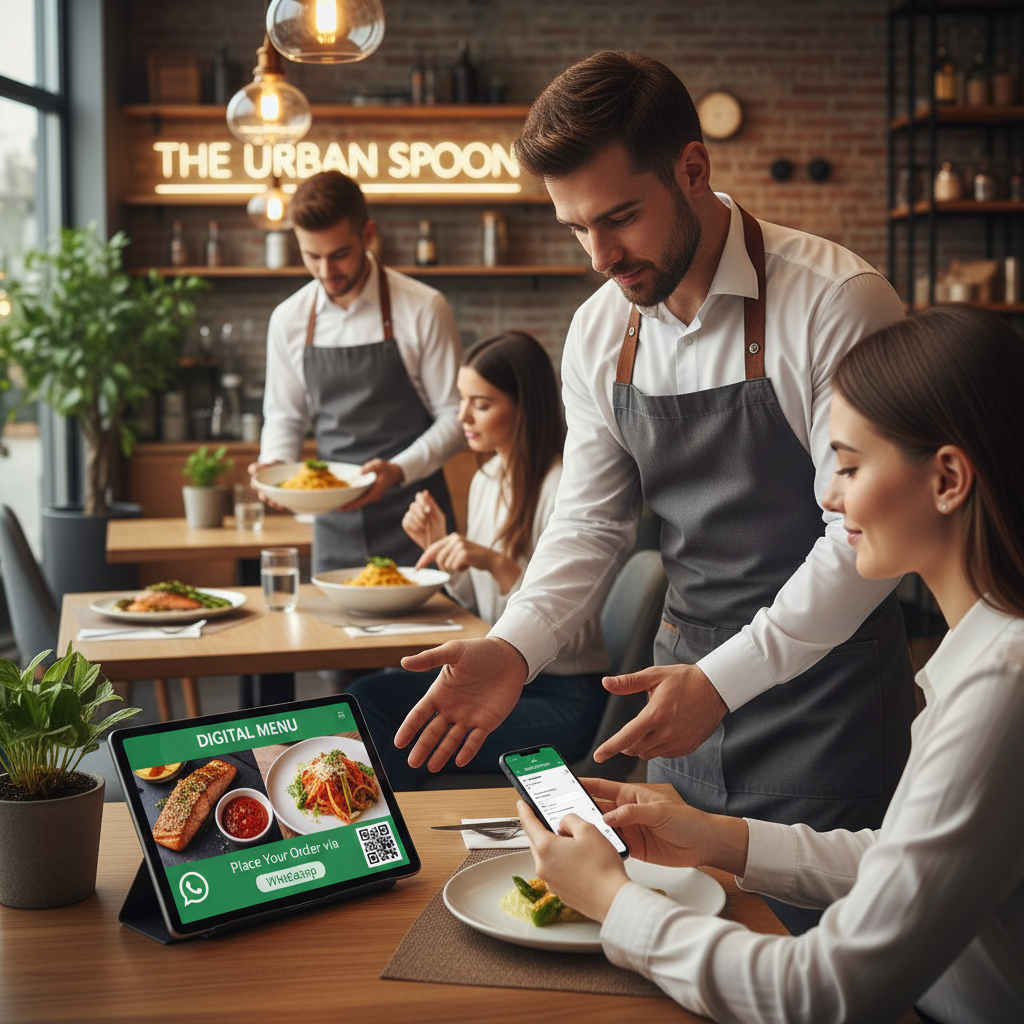
In today's world, speed and practicality are essential, especially in the food sector. With the growing use of WhatsApp as one of the main communication tools, many restaurants are realizing the opportunity to automate their orders through this app. Integrating a digital menu into this process can maximize efficiency, reduce errors, and improve the customer experience. In this article, we will explore how to use a digital menu to automate orders on WhatsApp and explain how GuideLocal can assist in this transformation.
Why Use a Digital Menu?
A digital menu offers several advantages that can enhance your restaurant's operations:
- Easy to Update: Updating your menu becomes much simpler and faster with a digital menu. You can add new items, change prices, and remove out-of-stock items in real time.
- Accessibility: Customers can view the menu anytime, without needing a physical copy that may be dirty or outdated.
- Interactivity: Digital menus can include images, detailed descriptions, and even videos that help stimulate the customer's appetite.
- Integration with Online Orders: A digital menu can be integrated with online ordering systems, allowing for a smooth transition from the menu to the order on WhatsApp.
Setting Up Your Digital Menu
Here are the steps to set up your digital menu and connect it to WhatsApp:
1. Choose the Right Platform
Opt for a system that supports specific functionalities for restaurants, such as GuideLocal, which allows the creation of digital menus that easily integrate with WhatsApp.
2. Create Your Digital Menu
Use the GuideLocal tool to create your digital menu. Include:
• Attractive images of the dishes
• Detailed descriptions
• Clear prices
• Customizable options (such as size and sides)
3. Integrate with WhatsApp
Insert direct links in your menu that allow customers to send orders via WhatsApp with just one click. This can be done using APIs that save the preformatted message with the order.
Increasing Service Efficiency
Automating orders on WhatsApp not only improves the customer experience but also increases service efficiency:
- Fewer Errors: With the options clearly defined in the digital menu, the chances of errors in orders decrease significantly.
- Quick Responses: Integrating automatic messages can speed up the response time, informing customers that their order has been received and is being processed.
- Less Manual Work: The process of manually taking orders is eliminated, saving time and resources.
Additional Benefits of the Digital Menu
In addition to automating orders, using a digital menu can provide other benefits:
- Effective Marketing: Use the digital menu to promote special offers and new items directly to customers viewing the menu.
- Data Collection: Monitor which dishes are most popular, allowing you to make evaluations and adjustments as necessary.
- Cost Reduction: By automating the ordering system, you can decrease costs related to printing menus and paper.
Conclusion
Automating your orders using a digital menu integrated with WhatsApp is a smart strategy that can revolutionize your restaurant's operation. With GuideLocal, you can easily implement this solution, ensuring that your team and clients have a seamless and efficient experience. Don't get left behind! Try the GuideLocal platform now and take your management to the next level.